Keyboards
← Back to the complete landing

Corne vs. Lily58 vs. Sofle: choose your split keyboard

Compare keys, number rows, knobs and lighting on Corne, Lily58 and Sofle. Explore the models and find the configuration that suits you.

Corne brings typing into 42 keys and uses layers for numbers. Lily58 keeps a physical number row in its 58-key layout. Sofle combines 58 keys with two rotary knobs. Use the model cards and recommendation tool to decide what you want within reach.

Models

Different ways to split a keyboard.

Every one has swappable switches and a screen on each half: OLED on the wired boards, e-paper on the wireless ones. What changes is how many keys they have and where they put them.

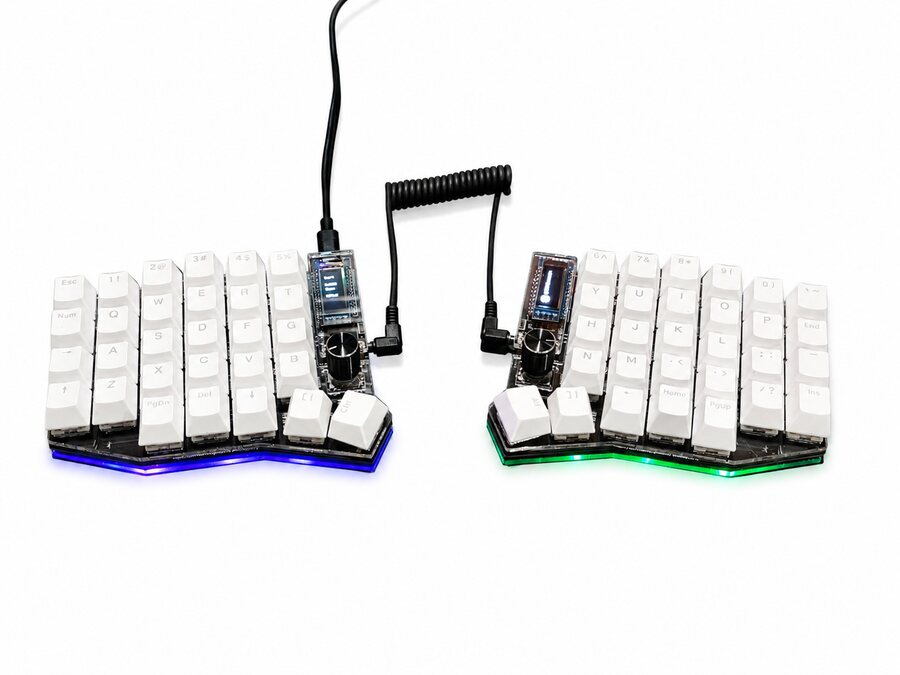
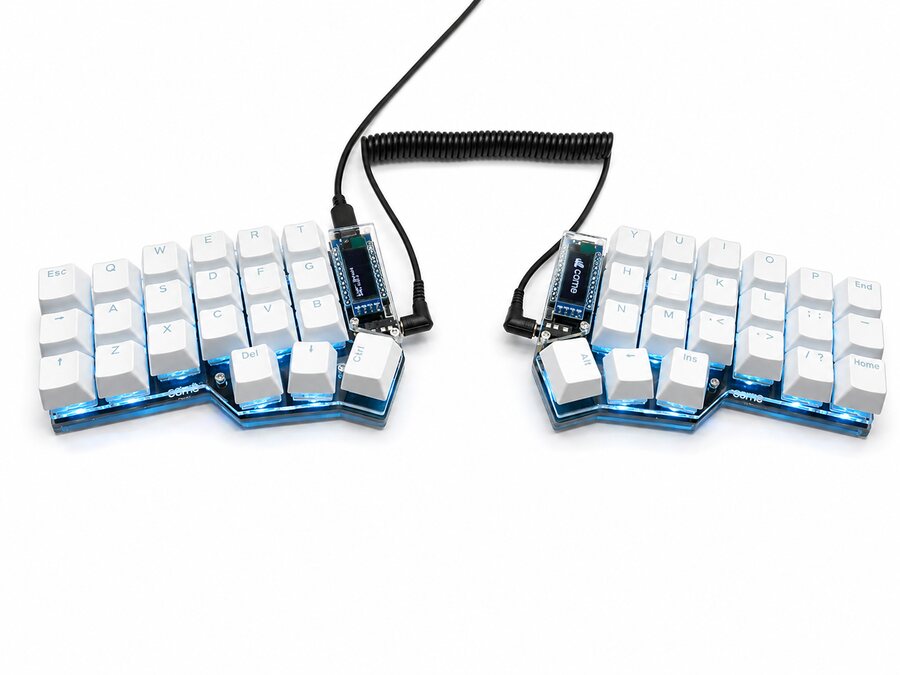
Keycap color
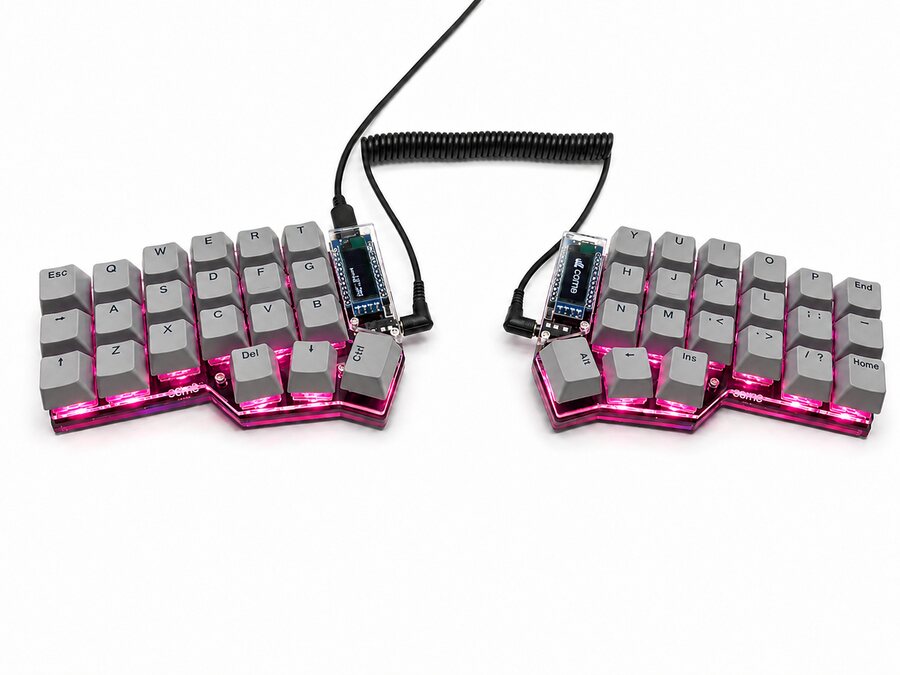
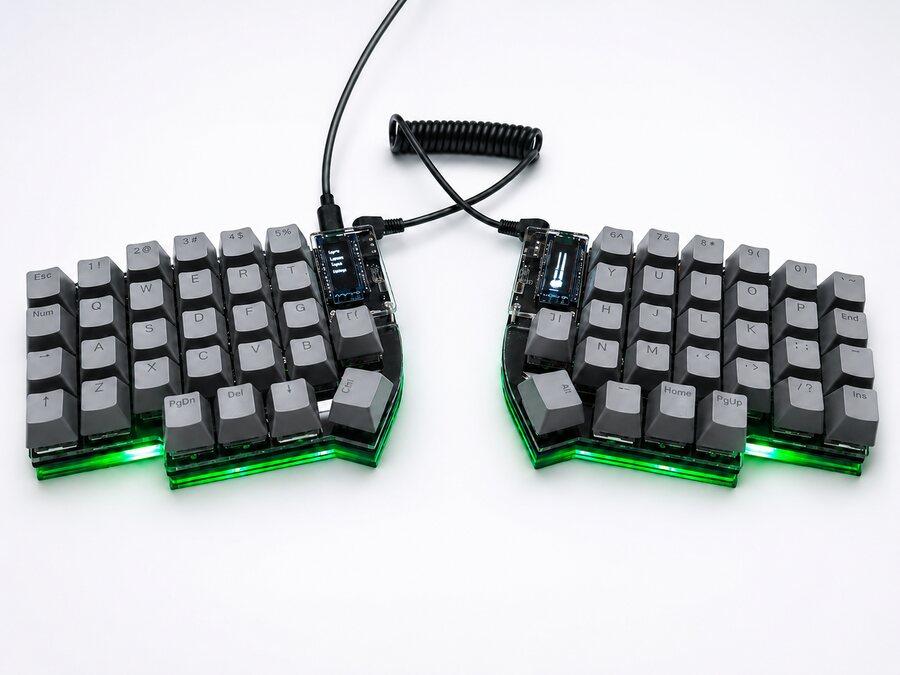
Assembled Corne with gray keycaps, photographed on a white background

Corne

The compact one

Three rows and three keys per thumb. Numbers and symbols live on layers, so everything is one finger away.

Keys
42
Number row
No
Keys per thumb
3
Knobs
—
Lighting
Per-key and underglow RGB
Screens
0.91" OLED per half

For anyone who wants just the essentials and isn't afraid of learning layers.

View configuration
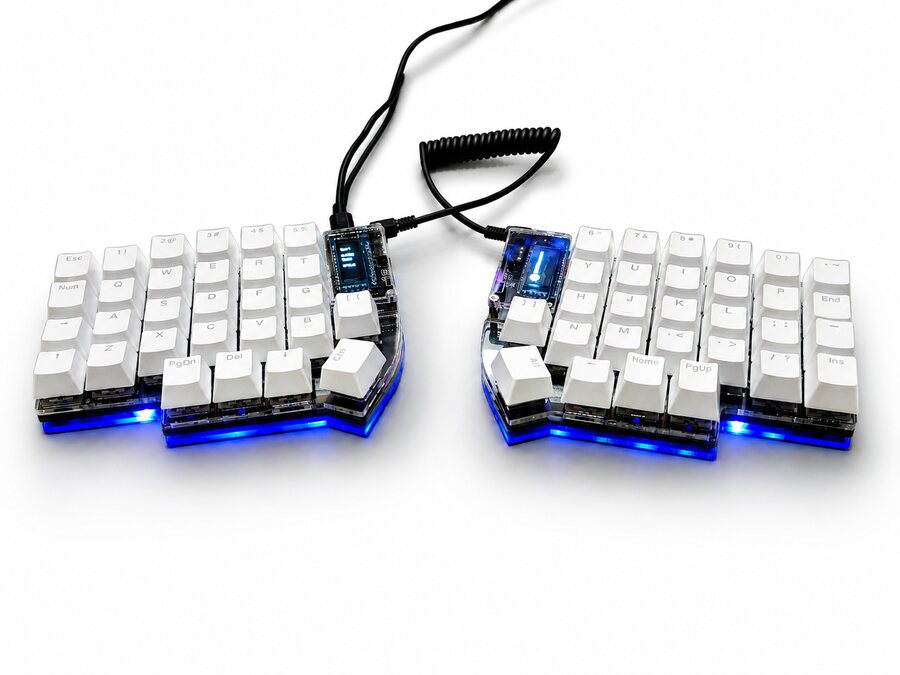
Assembled Lily58 with gray keycaps, photographed on a white background

Lily58

The balanced one

A number row and four keys per thumb. It feels familiar from day one and leaves room to add layers over time.

Keys
58
Number row
Yes
Keys per thumb
4
Knobs
—
Lighting
Underglow RGB
Screens
0.91" OLED per half

For your first split, if you'd rather keep the number row.

View configuration
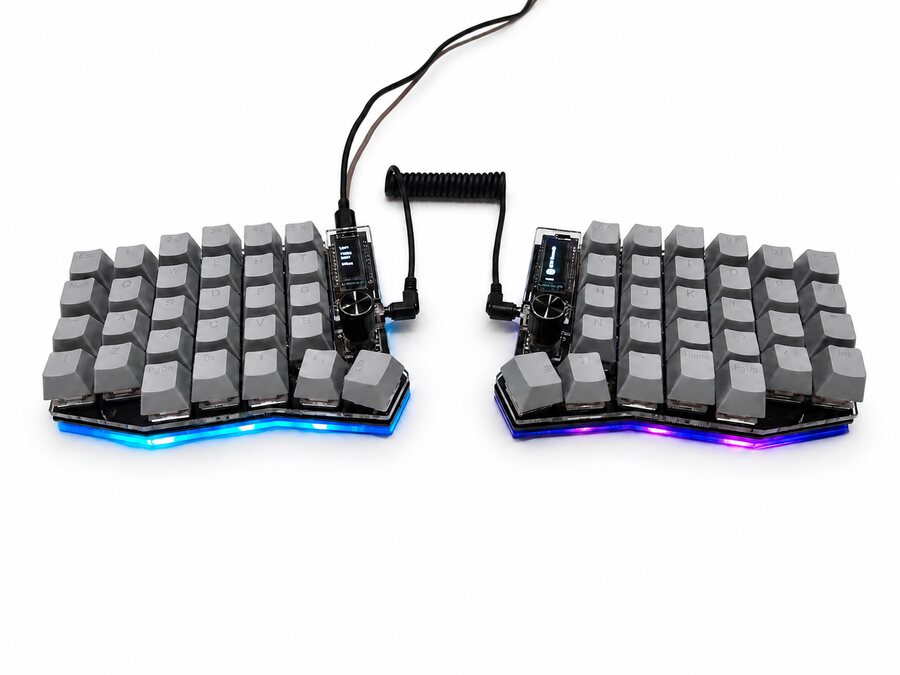
Assembled Sofle with gray keycaps, photographed on a white background

Sofle

The complete one

A number row, five keys per thumb and a knob on each half. Out of the box, one handles volume and the other scrolls through pages.

Keys
58
Number row
Yes
Keys per thumb
5
Knobs
2
Lighting
Underglow RGB
Screens
0.91" OLED per half

For anyone who wants hands-on controls: volume, scrolling or whatever you assign in the configurator.

View configuration

Which one is for me?

Do you use the number row a lot?